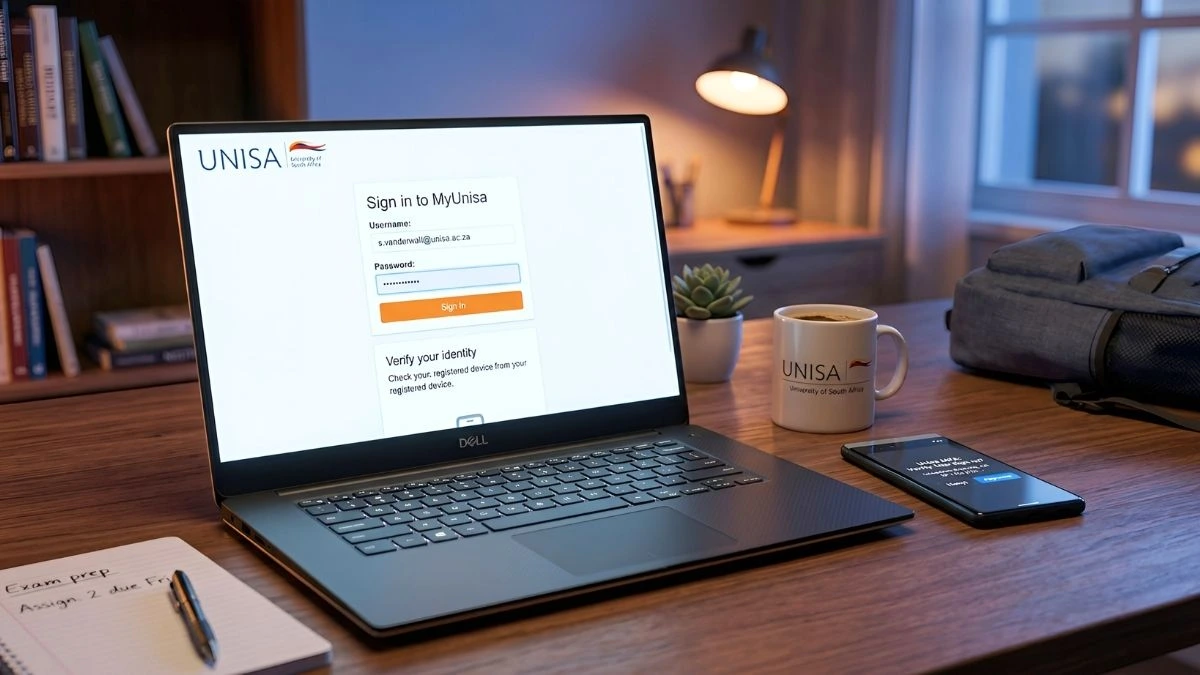
The MyUnisa Login portal is one of the most important tools for students studying at the University of South Africa. Every semester, thousands of students rely on theMyUnisa student portal and MyLife login email to access study materials, submit assignments, communicate with lecturers, and receive important university announcements.
However, many new students experience difficulties accessing their MyUnisa login account or activating their UNISA student email for the first time. Without access to these platforms, students may miss assignment deadlines, exam notifications, and academic updates.
If you are a new UNISA student or returning for another semester, understanding how the MyUnisa login system works will help you stay organized and make the most of your online learning experience.
This guide explains how to access the MyUnisa portal, activate your MyLife login email, reset your password, and discover additional opportunities such as bursaries, internships, and learnership programmes available to UNISA students.
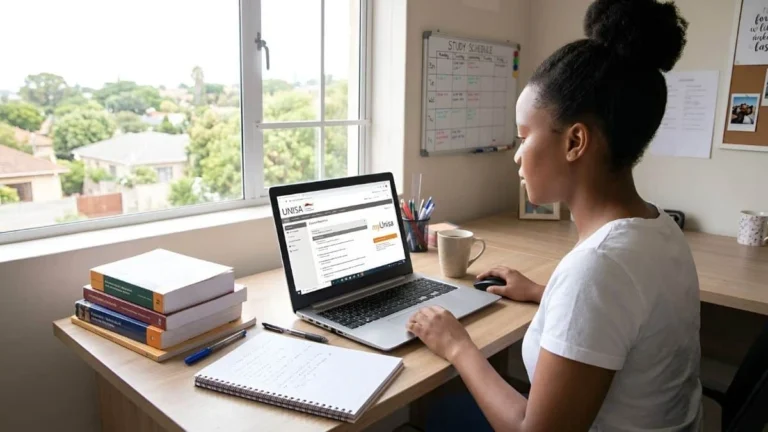
Because UNISA operates primarily through distance learning, the MyUnisa student portal acts as the main academic hub where students manage their entire learning experience.
How to Access MyUnisa Login Portal
Accessing the MyUnisa login portal is straightforward once your account has been activated.
Follow these steps to access the UNISA student portal.
Exploring these opportunities early can help you gain valuable experience before completing your degree.
Final Thoughts on MyUnisa Login and MyLife Email
The MyUnisa login portal and MyLife email account are essential tools for every UNISA student.
These platforms allow students to:
access course materials
submit assignments
communicate with lecturers
receive important academic announcements
Understanding how the MyUnisa portal and MyLife login system work can save time and prevent unnecessary stress during the academic year.
At the same time, students should also explore opportunities such as learnerships, internships, and bursaries, which can help build strong career paths after graduation.
MyUnisa Login
Frequently Asked Questions (FAQs)
What is MyUnisa login?
MyUnisa login is the official online portal used by UNISA students to access course materials, submit assignments, and manage their academic progress.
How do I access MyLife login email?
You can access your MyLife login email using your student email address: studentnumber@mylife.unisa.ac.za Use the same password as your MyUnisa login account.
Why is my MyUnisa login not working?
Common reasons include incorrect passwords, inactive accounts, or system synchronization issues between MyUnisa and MyLife email.
Do MyUnisa and MyLife use the same password?
Yes. Both the MyUnisa login portal and MyLife email use the same password.
How long does MyLife email take to activate?
After claiming your UNISA login, your MyLife email account may take up to 24 hours to activate.
Nonhlanhla Ndlovu is the founder and publisher of EduFeeds, a South Africa–focused platform that shares verified learnerships, internships, bursaries, and job opportunities for young people and job seekers.
With a strong focus on helping South African youth access real career opportunities, Nonhlanhla researches and verifies programmes from official company sources and public announcements before publication. EduFeeds aims to simplify the application process by providing clear guidance, requirements, and practical tips to help applicants apply with confidence.
Nonhlanhla continues to monitor updates from SETAs, companies, and training providers to ensure information on Edu Feeds remains current and useful. She focuses on publishing timely and accurate opportunity updates for the South African youth employment market.
If you’re serious about finding accredited training, learnerships, or workplace experience in 2026, understanding SETA opportunities South Africa is essential. Across the country, thousands of young people secure skills training and first-time work exposure through programmes funded by Sector Education and Training Authorities (SETAs). Yet many eligible applicants miss out simply because they don’t understand…
Why Free Online Courses Are Becoming Important for Learnership Applicants As competition for learnership opportunities grows in South Africa, many applicants are looking for ways to stand out before they even reach the interview stage. Free online courses are increasingly being used by young job seekers to build basic skills and strengthen their applications. Learnership…
Learnership and Internship Guide South Africa 2026 — What You Must Know If you’re a student, graduate, or unemployed youth in South Africa, learnerships and internships remain some of the most reliable pathways into the job market in 2026. Thousands of young South Africans miss real opportunities each year simply because they don’t fully understand…
SA Youth is one of the most powerful platforms helping unemployed young people in South Africa connect with real employment opportunities. Every year, thousands of youth search for SA Youth opportunities to apply for government programmes, internships, learnerships, and entry-level jobs across the country. The platform, accessible through SAYouth.mobi, is designed to link young work-seekers…
What if your first job paid more than expected? Not R3,500.Not R4,500. But R8,500 or more—every month. In 2026, a small group of learnerships in South Africa is quietly standing out. While most programmes still offer modest stipends, a handful in banking and mining are paying significantly higher—and competition for them is intense. They’re being…
MyLife Email Login UNISA 2026 – Easy Fix for Login Problems & Access Guide For every UNISA student, accessing your MyLife email login is one of the most important parts of your academic journey. Whether you’re waiting for assignment updates, exam notifications, or important communication from the university, your MyLife email is where everything happens….